Timed breaks
You choose how often a break appears. Each one is short and focused on one word at a time.
Brain Break Popup (Chrome extension) and Brain Break Bookmarks (website).
Both are intended for readers of any age who are learning to read—children, teenagers, and adults alike.
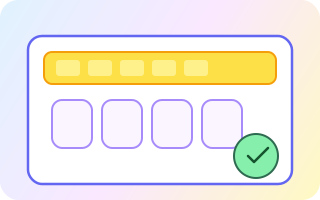
Brain Break Popup opens a full-screen prompt on a schedule. Learners see the word, an image, hear the word, then type the word. Once correct they continue browsing refreshed.
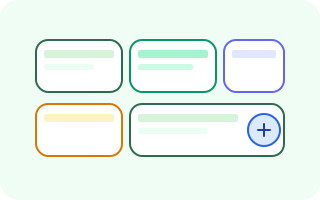
Brain Break Bookmarks allows you to create a visual set of bookmarks which run google searches. When the bookmark is clicked, the phrase is displayed and spoken. Typing it correctly will then open a new tab to run the google search on that phrase.
You choose how often a break appears. Each one is short and focused on one word at a time.
Pick who is learning and which subject the words come from. Manage lists and images from settings.
Sign in with Google to store learning-related data on the server, or use the extension locally without it.
The second product: create a bookmarks page of google searches. Click a bookmark, type its phrase, then open search in a new tab. Great for curated topic pages—no Chrome extension required.
Brain Break Popup ships as an unpacked Chrome extension today. Download the zip, unzip it once, then load the folder in Chrome (Developer mode). For a wide public release, publishing to the Chrome Web Store is the usual next step.
manifest.json at the top level of the folder.chrome://extensions and turn on Developer mode.manifest.json).https://brainbreak.dbweb.com.au as the API by default (DEFAULT_API_ORIGIN in the extension source). For local development, set extension storage bbApiOrigin to your dev server (e.g. http://127.0.0.1:3010).